BabylissPro Skeleton Trimmer Replacement Blade - Graphite Fine Tooth
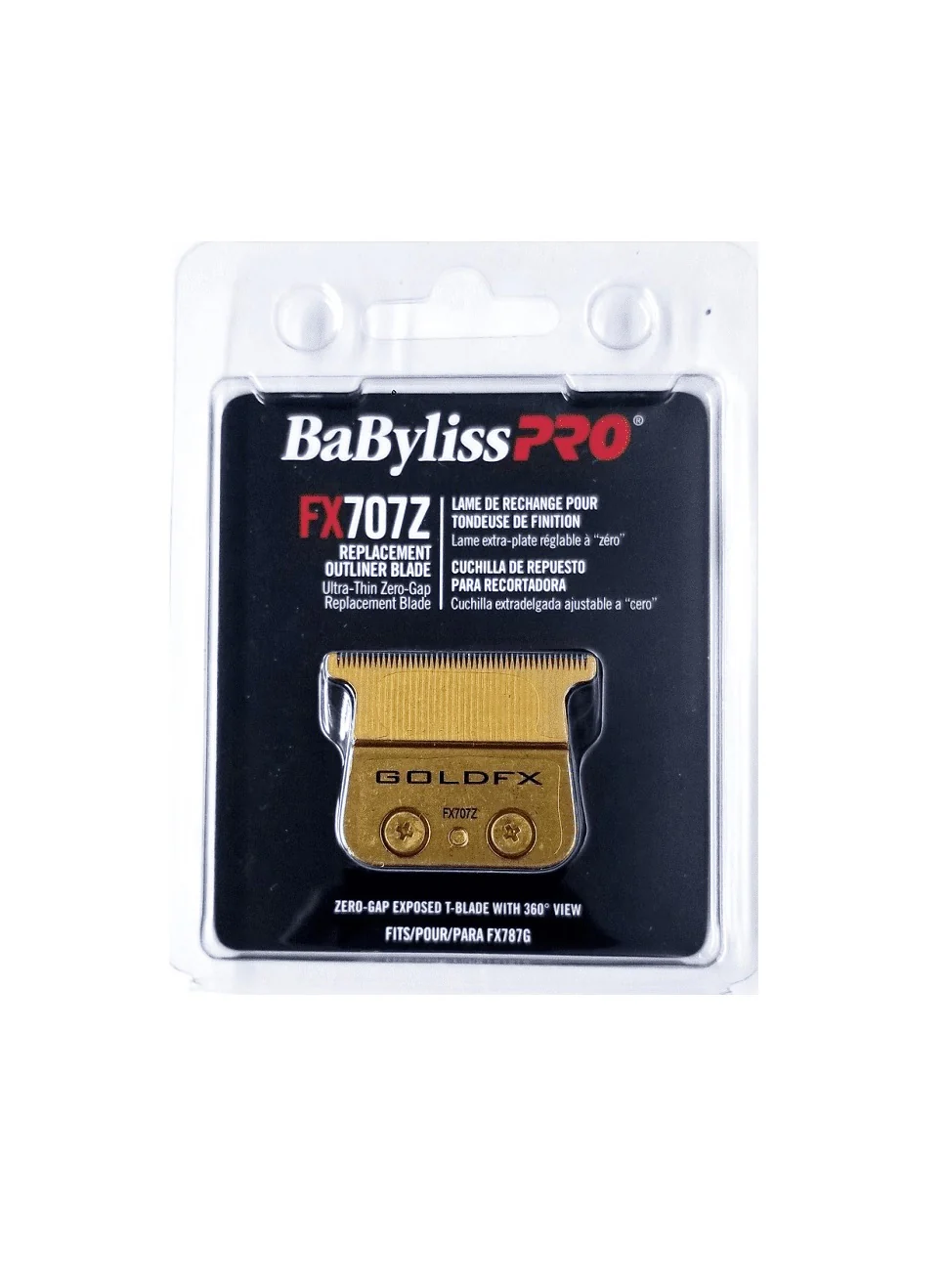
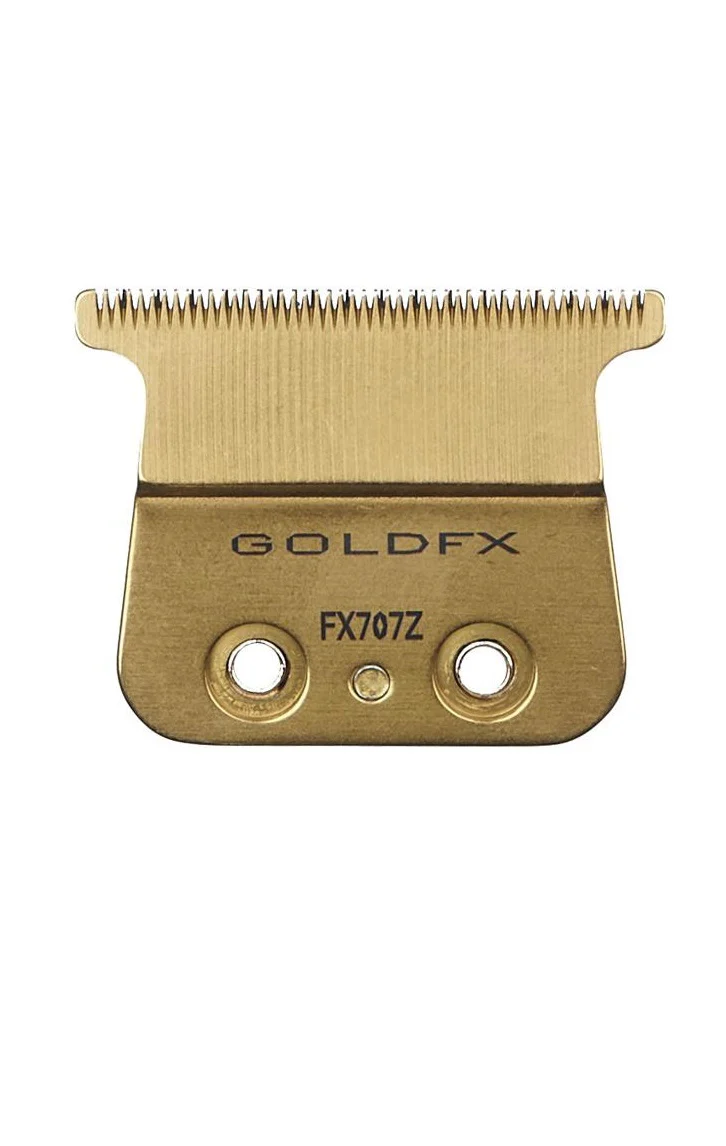
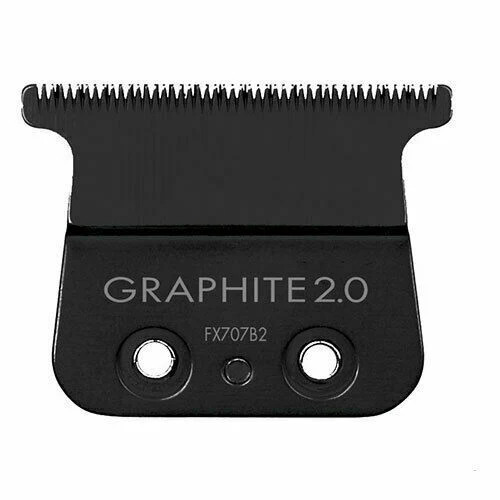
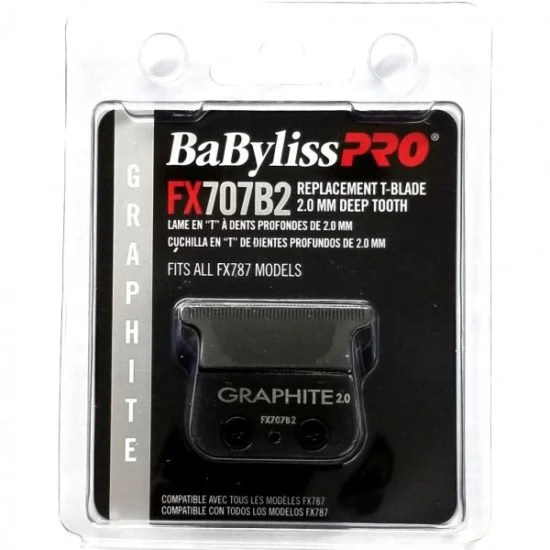
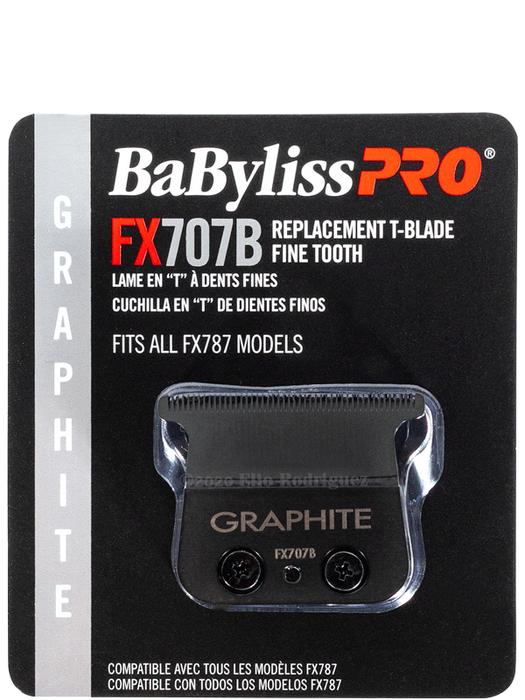
Babyliss Skeleton Trimmer Replacement Blade - Graphite Fine Tooth FX787B
- Fits ALL FX787
- Fits FX787B (GRAPHITE)
TO REMOVE THE BLADE:
Turn Trimmer to OFF position. Remove the two long screws from the fixed blade. Once removed, the full blade setup should detach from the unit.
TO REPLACE THE BLADE:
Remove blade setup from package. Insert blade block into housing and align blade cushion with the shaft. Insert and tighten both long screws.
Babyliss Skeleton Trimmer Replacement Blade - Graphite Fine Tooth FX787B
- Fits ALL FX787
- Fits FX787B (GRAPHITE)
TO REMOVE THE BLADE:
Turn Trimmer to OFF position. Remove the two long screws from the fixed blade. Once removed, the full blade setup should detach from the unit.
TO REPLACE THE BLADE:
Remove blade setup from package. Insert blade block into housing and align blade cushion with the shaft. Insert and tighten both long screws.
Original: $24.68
-65%$24.68
$8.64Description
Babyliss Skeleton Trimmer Replacement Blade - Graphite Fine Tooth FX787B
- Fits ALL FX787
- Fits FX787B (GRAPHITE)
TO REMOVE THE BLADE:
Turn Trimmer to OFF position. Remove the two long screws from the fixed blade. Once removed, the full blade setup should detach from the unit.
TO REPLACE THE BLADE:
Remove blade setup from package. Insert blade block into housing and align blade cushion with the shaft. Insert and tighten both long screws.